Session #4: Tuesday, September, 8 2025
Master the Power of Video with BombBomb
Session Objectives:
(Click on each objective to view the tutorials):
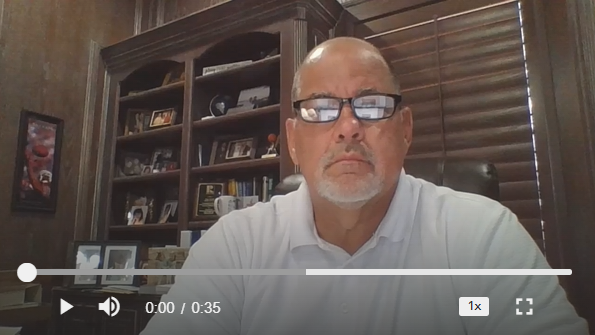
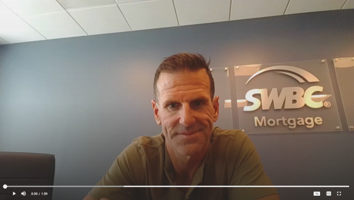
Watch the coaching session below:
What is BombBomb?
BombBomb is a $33/month subscription-based video messaging platform that helps loan officers build stronger relationships by replacing text-heavy emails with personalized videos.
Instead of sending a long email that might get ignored, you can send a short, friendly video that puts your face and personality front and center.
BombBomb helps you stand out, be remembered, and build trust faster.
Videos Build Relationships
BombBomb Features
-
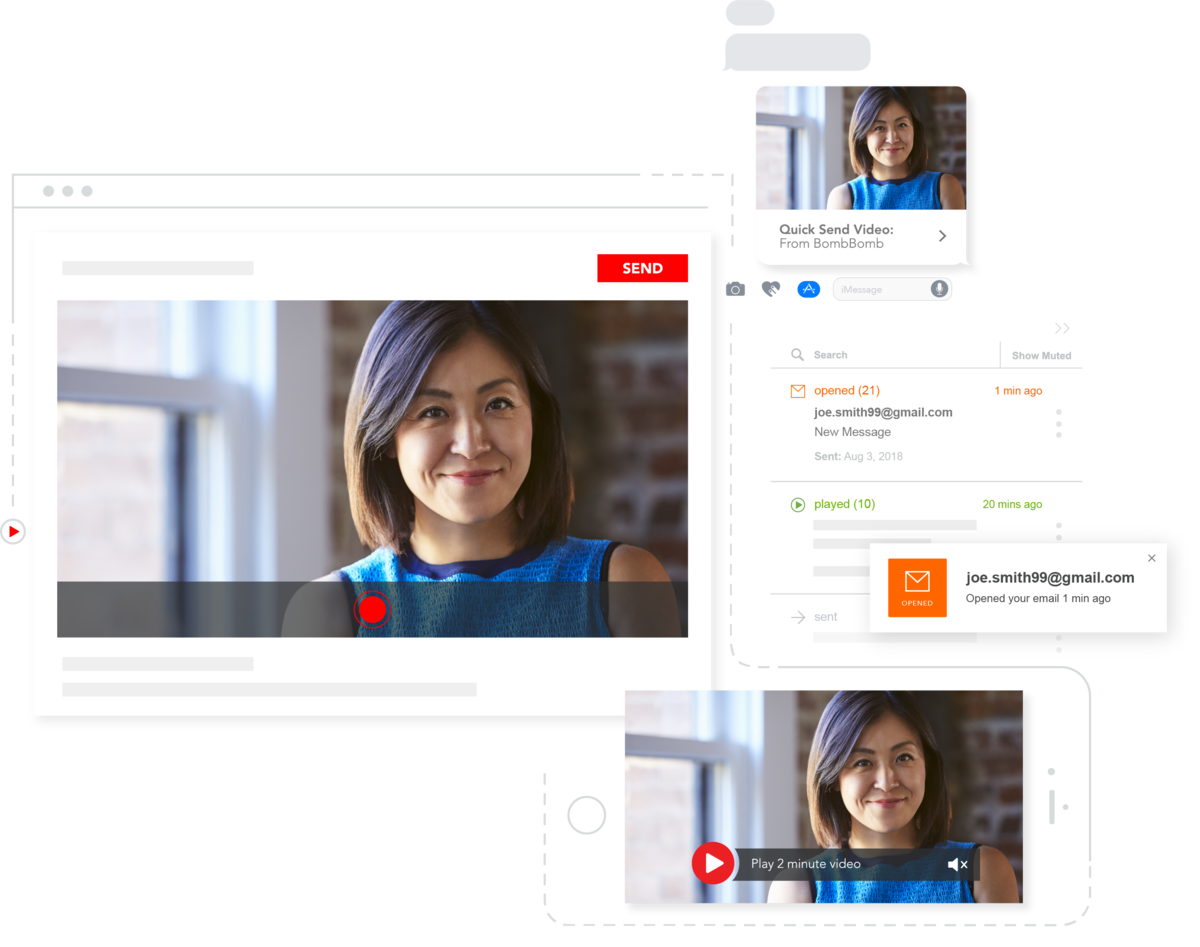
Real-time analytics show who watched, clicked and engaged with the videos you send.
-
Record, send and track videos directly from your CRM, Outlook, Chrome and Edge.
-
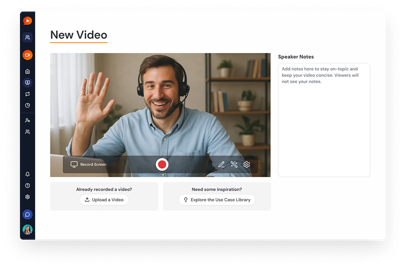
Record and send face-to-face videos from anywhere.
-
Viewers can comment, reply with video and click embedded CTAs directly in the player.
-
Loan officers see response rates improve by 120% compared to using plain-text emails
-
They also experience 140% faster milestone approvals when using video during the loan process
-
Application-to-close conversion rates double (2× increase)
-
Video-enhanced emails yield a remarkable 81% increase in email opens
-
They generate 87% more clicks than plain-text emails
-
Match every video to your brand with custom video pages.
-
Quickly trim, stitch and polish videos without external software.
-
Record your screen plus your face (picture-in-picture style).
-
Limit visibility of sensitive videos and set expirations to secure your communications
How to Get Started with BombBomb
Make it Simple, Authentic, and Repeatable
Don’t overproduce. A quick 30–60 second video recorded on your phone or laptop is enough. Borrowers and agents value authenticity over polish.
Smile and use first names. That personal touch builds connection.
Use BombBomb where you already email. If you normally send milestone emails (pre-approval, appraisal ordered, clear-to-close, etc.), replace one of those with a video instead of typing.
Leverage tracking. Follow up with anyone who opens or clicks your video—timing is everything.
Leverage your CRM. Your CRM already has all your relationships in one spot. It also has reports on loan anniversaries and birthdays. Use the integration to make your job easier.
Start with one “evergreen” video. Create a short, reusable video (saved in your BombBomb library) that you can send over and over to different clients or agents.
Just hit record. The hardest part is recording the first one—once you realize how natural it feels, it gets easier.
One-to-one Vs. Evergreen
One-to-one Video (Personalized)
-
To build a personal, human connection with an individual.
-
Custom and personalized for one person. Might mention the recipient's name or reference a recent conversation.
-
Higher effort, as each video is recorded specifically for a single person.
-
Creates a memorable, human experience that cuts through the noise of templated emails.
Evergreen Video
-
To build a personal, human connection with an individual.
-
Custom and personalized for one person. Might mention the recipient's name or reference a recent conversation.
-
Higher effort, as each video is recorded specifically for a single person.
-
Creates a memorable, human experience that cuts through the noise of templated emails.
When to Record Videos in BombBomb
Introduction to a New Lead (Evergreen)
When you receive a lead from an agent, you can save even more time by creating automated response videos to introduce yourself and direct them to apply online.
A friendly greeting
A reference to the referring agent and the purpose of the message
Encourage the lead to apply online
How the lead can contact you
These videos should not be specific to any individual person. They should, however, be specific to the agent you referred the buyer. Be sure to add your Call-To-Action link with your website to apply online.
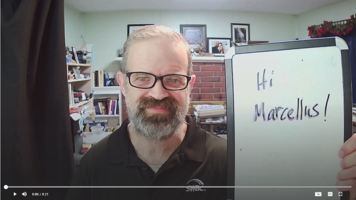
Sample Video (Click to Watch)
Past Client Check-In (Personalized)
Sending a personalized check-in video to your past clients can be effective way to “re-connect” with clients you have not talked to recently or seen in person.
Quick hello (“Hi Sarah, it’s been a while since we closed on your home!”).
Offer to review their mortgage if rates or circumstances changed.
Encourage them to reach out with questions—or to refer friends.
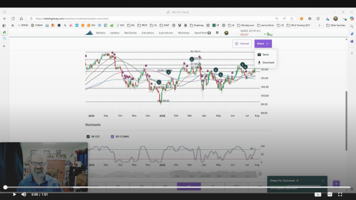
Sample Video (Click to Watch)
Client Birthdays (Personalized)
Celebrating a borrower’s homeownership milestone reminds them of the positive experience Birthdays are personal. Few lenders take the time to send a heartfelt, face-to-face video, so it makes you stand out.
Happy Birthday, Sarah! I hope today is filled with family, friends, and a little bit of cake. I just wanted to send a quick message to say how grateful I am that I get to know and work with you. Cheers to another wonderful year ahead!”
Keep it short. Keep it simple. And let them know you’re thinking of them on their birthday.
Sample Video (Click to Watch)
Thank You to a Referral Partner (Personalized)
After you have touched base with a new lead, send a video message to the agent thanking them for the opportunity and provide a quick update.
A friendly greeting
Thank them personally
Provide a quick status update
Reassure them you’ll keep them updated
Loan Anniversaries (Personalized)
Celebrating a borrower’s homeownership milestone reminds them of the positive experience they had with you—and positions you for referrals or refinancing conversations.
Quick hello “Hi Sarah, I just wanted to say happy home-anniversary! Can you believe it’s been 5 since you bought your home?”
Offer to review their mortgage if rates or circumstances changed.
Encourage them to reach out with questions—or to refer friends.
Loan Milestone Update (Personalized)
Consider sending a video message during important milestones throughout the loan process, such as Application Complete, Appraisal Ordered, Appraisal Received, Submitted to Underwriting, Clear to Close, CD Sent, Docs Sent, etc.
Quick check-in to explain what’s happening (e.g., “Your appraisal is ordered!”).
Set expectations for the next step.
Reassure them you’re here for questions.
Sample Video (Click to Watch)
Agent Relationship Builder (Personalized)
Consider reaching out to agents you haven’t worked with recently to touch base and provide value with an invite for coffee or lunch.
Share a quick market update.
Mention how you can help them win with buyers (pre-approvals, fast closings, etc.).
End with an invite to connect or grab coffee.
Sample Video (Click to Watch)